
Shaper: Muscle Map
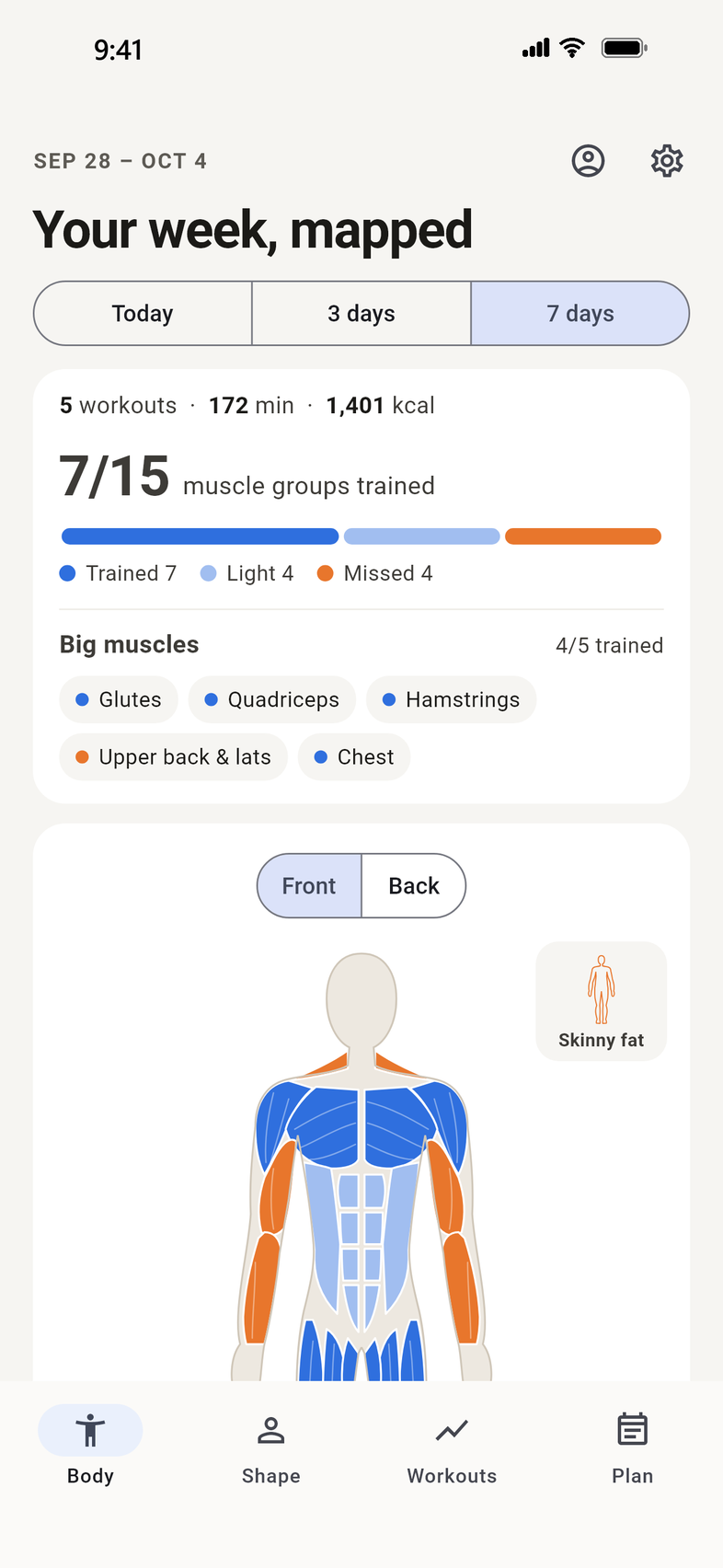
See which muscles your workouts actually trained. Shaper reads your workouts from Apple Health, from your Apple Watch or any fitness app, plus workouts you time in Shaper on your iPhone, maps them onto 15 muscle groups, and suggests the next sessions to fill the gaps. No Apple Watch needed.
Get it free on the App Store


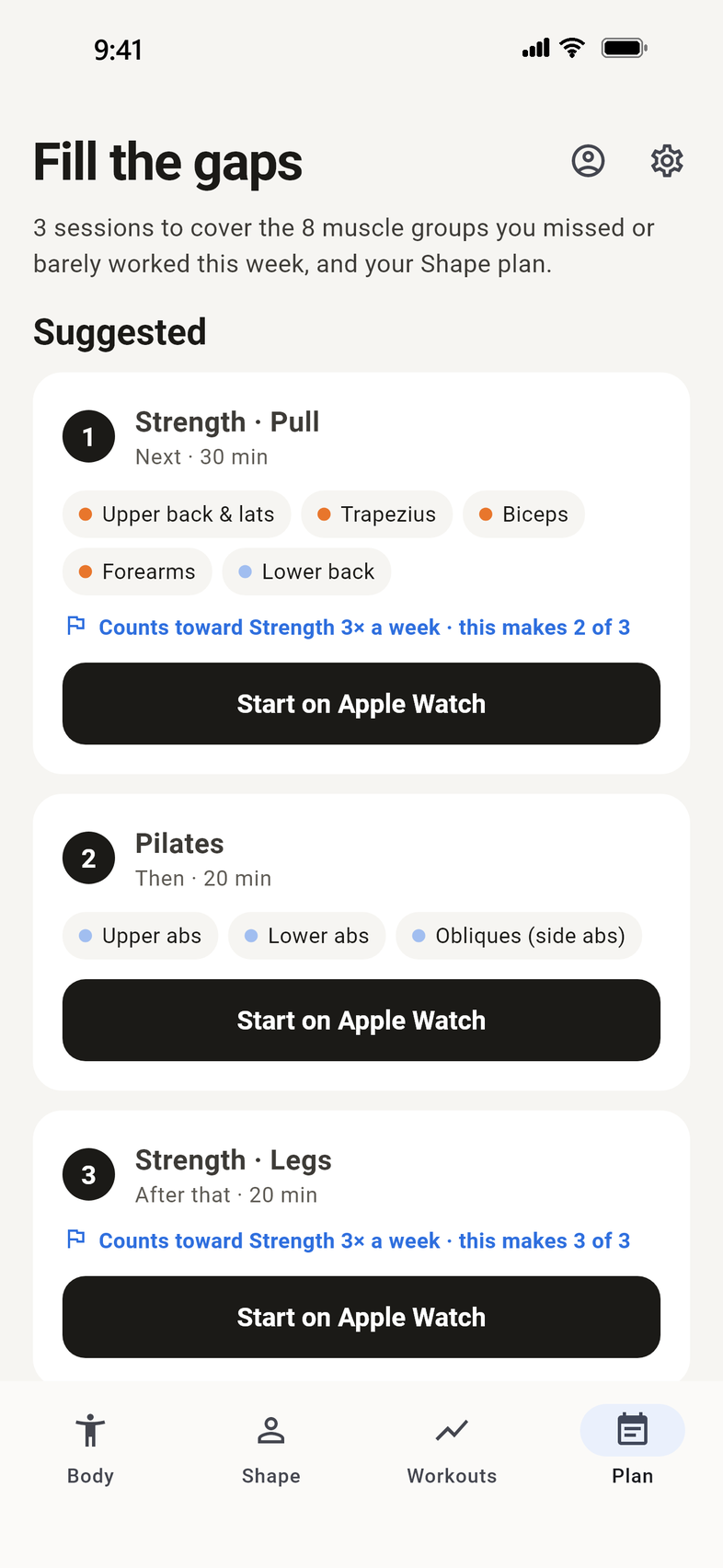
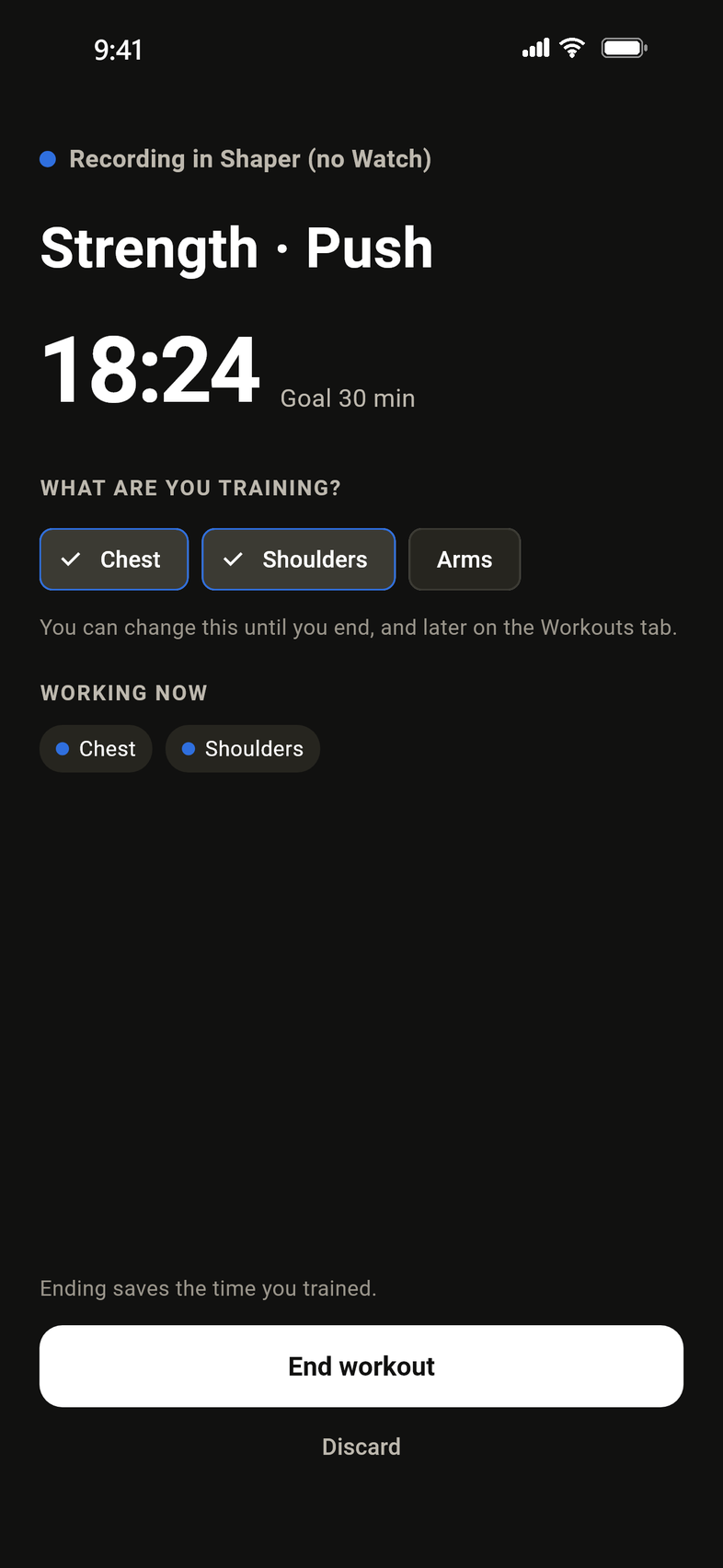
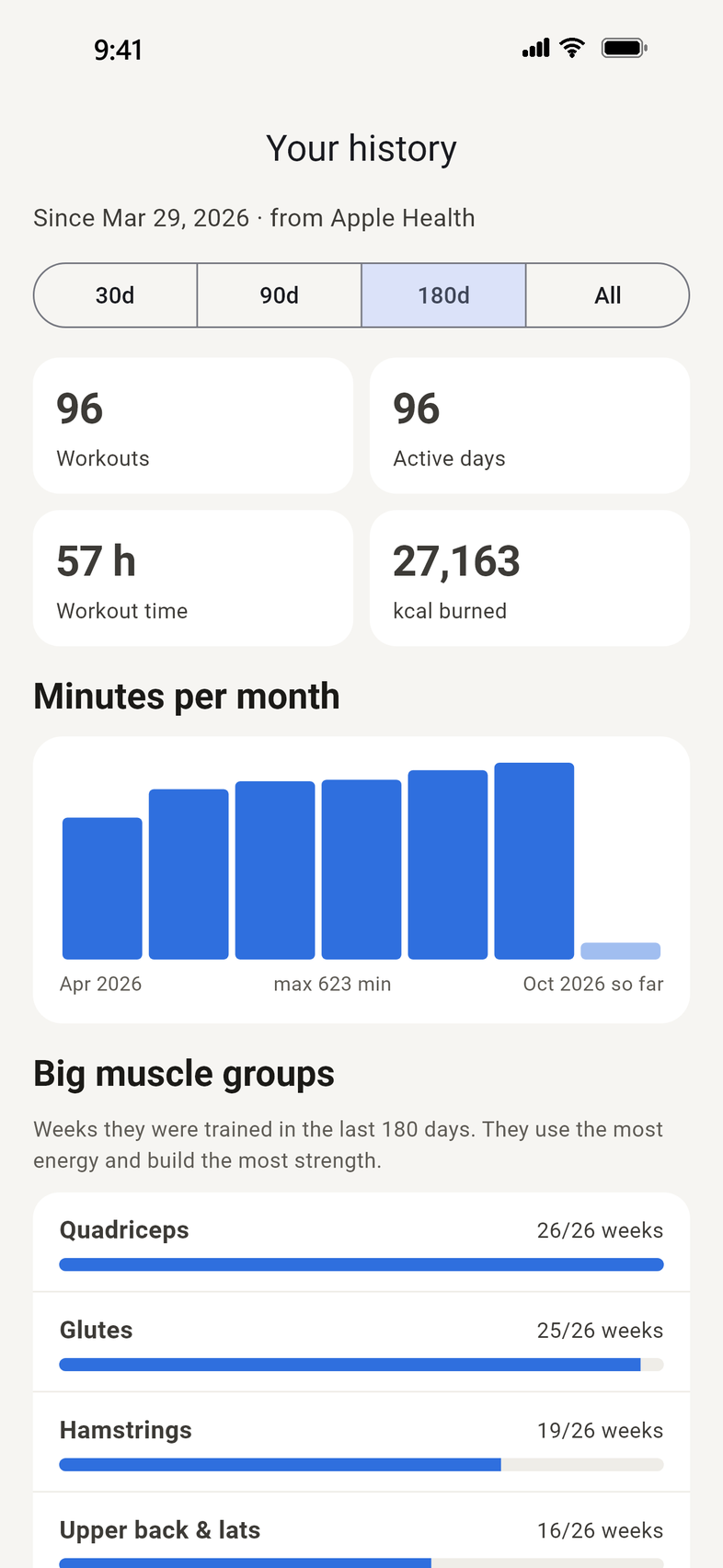
Screens show the app's demo data.
What it does
Your workouts count minutes and calories. Shaper answers a different question: which muscles did those workouts actually train, and what did you skip?
A body map of your week
Front and back views of 15 muscle groups, including upper abs, lower abs and obliques. Switch between Today, 3 days and 7 days.
Every workout in Apple Health
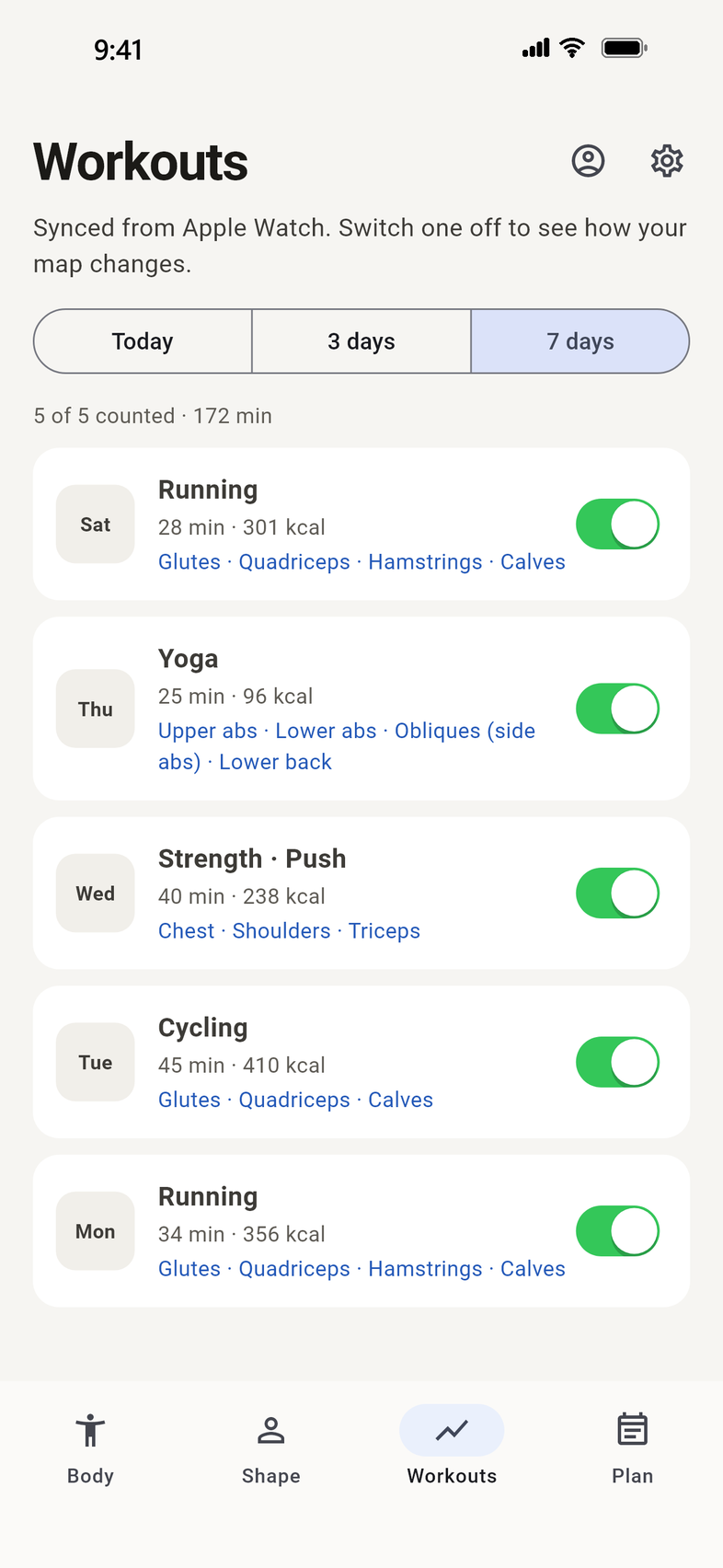
Running, cycling, rowing, elliptical, swimming, yoga, HIIT, sports and more, around 80 workout types in all, from your Apple Watch or any fitness app that saves to Apple Health, each shown with Apple's own name.
Strength, in detail
Apple Health only records "strength training". Tell Shaper what you trained, such as shoulders, chest or legs, and the map shows exactly those muscles.
Effort counts
When a workout has heart rate and energy data, such as one recorded on an Apple Watch, a hard session counts for more than an easy one. Short beginner sessions still show on the map.
Your body shape
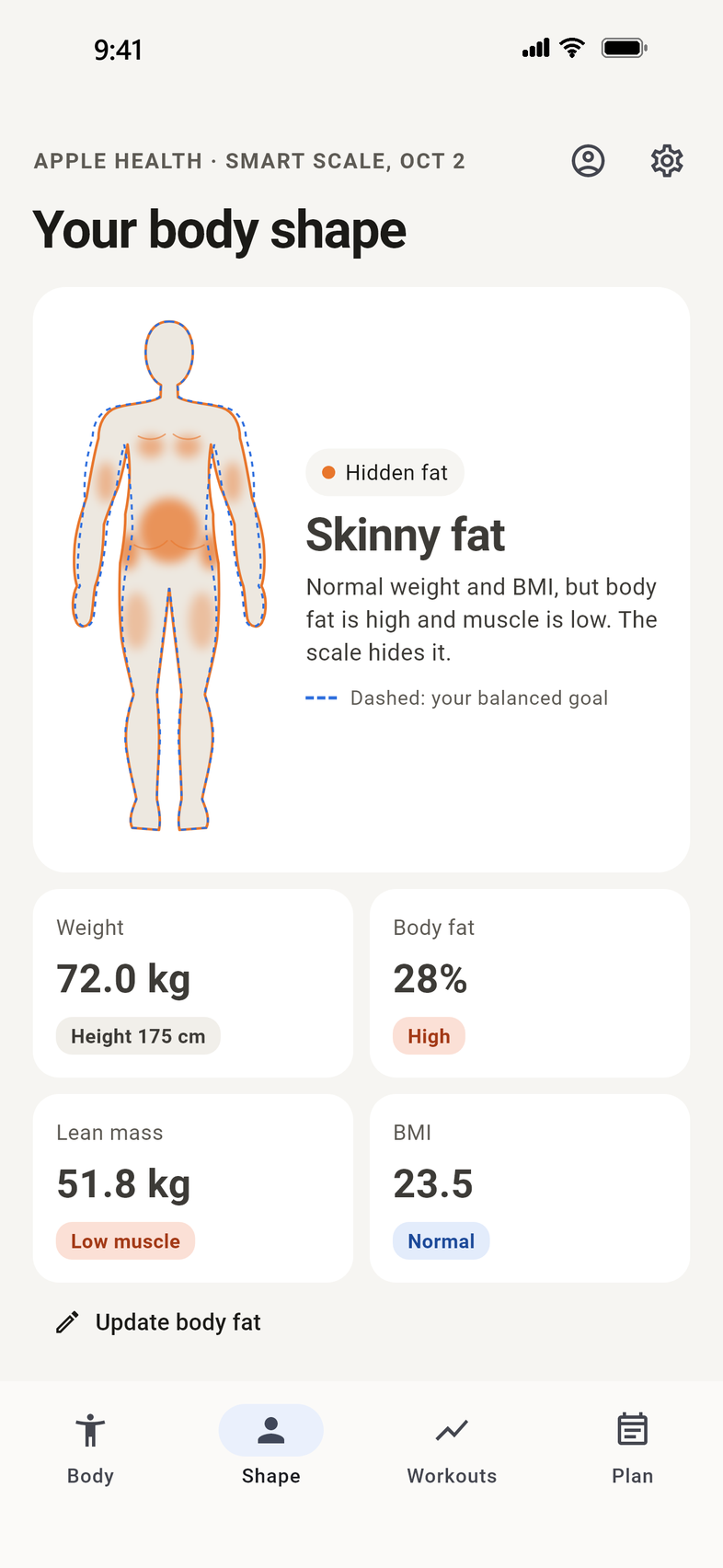
From your weight, height and body fat, from a smart scale or entered by hand, Shaper estimates your body type and gives a simple plan to move toward balanced. These are estimates, not a diagnosis.
Start a workout, with or without a Watch
The Plan tab suggests the next sessions and how long each should last. With the Shaper Watch app installed, "Start on Apple Watch" runs the workout on your wrist. Without it, "Start workout" times it on your iPhone and updates your muscle map.
New in 1.1
- No Apple Watch needed. Start a workout on your iPhone and Shaper times it and updates the muscle map. With the Shaper Watch app installed, Start still runs the workout on your Watch.
- Pick what you're training as you start, such as chest, back, squats or deadlift, so the right muscles count.
- Start from "Needs attention": each row has a play button.
- Weight by hand if your scale doesn't sync.
- A short tour shows new users around; Settings → "Show the app tour" replays it.
Workouts timed on the iPhone have no heart rate.
Your data stays with you
Shaper has no servers. It reads Apple Health on your iPhone (and on your Apple Watch, if you use one), only with your permission, and never sends your data anywhere.
- No advertising, analytics or tracking
- No selling or sharing of data
- Sign in with Apple, no email address needed
- "Erase everything" removes all data the app stored
- Read the privacy policy
Requirements
Requires iPhone with iOS 15 or later. Apple Watch (watchOS 10 or later) optional.
| iPhone | iOS 15 or later |
| Apple Watch | Optional: watchOS 10 or later. Workouts from other apps in Apple Health, and workouts you time in Shaper on your iPhone, also count |
| Body composition | Optional: a smart scale that writes body fat to Apple Health, or enter it by hand |
Help and support
Do I need an Apple Watch?
No. Workouts from any app that saves to Apple Health count, and you can time a workout in Shaper on your iPhone. With an Apple Watch, Shaper can start the workout on your wrist and record heart rate.
How does Shaper decide which muscles a workout trained?
Each workout type has a table of how much it works each muscle group. Load adds up over the days you choose, adjusted for effort. About 30 focused minutes trains a muscle group; less shows as light load. A muscle that did most of the work in any session always shows at least light load.
Why does it ask me about my strength workouts?
Apple Health records strength training without saying which muscles you worked. Shaper asks once per session so the map is accurate. Until you answer, that session isn't counted. Core Training counts for your core straight away.
My scale doesn't send body fat to Apple Health.
Enter your body fat by hand on the Shape tab. The newest reading is used, whether it comes from Apple Health or your own entry, for up to 90 days.
Can Shaper reduce fat in one area?
No app or exercise can target fat loss in one spot. Shaper shows estimated fat areas and the muscles underneath them, and suggests balanced training. Talk to your doctor before changing your diet or starting a new exercise plan.
How do I delete my data?
In the app, go to Settings → Sign out or erase data → Erase everything. Plain Sign out keeps a copy of your workout details on this iPhone so they come back next time, even after reinstalling. Your Apple Health data is not changed.
Will I lose my workout details if I reinstall or change phones?
Not on the same iPhone: Shaper keeps a safety copy in the iPhone's Keychain (this device only) and restores it when you sign in. For a new iPhone, use Settings → Export backup and then Import backup on the new phone.
Anything else? Email privacy@xctra.org and we'll get back to you.