
Transformation Planner
Plan your day. Show up daily.
You already know what you want to spend an hour a day on. The problem is the moment the hour arrives and nothing tells you. Transformation Planner builds a day around your sleep, your work and the thing you're trying to become, then sets a real alarm when that hour starts.
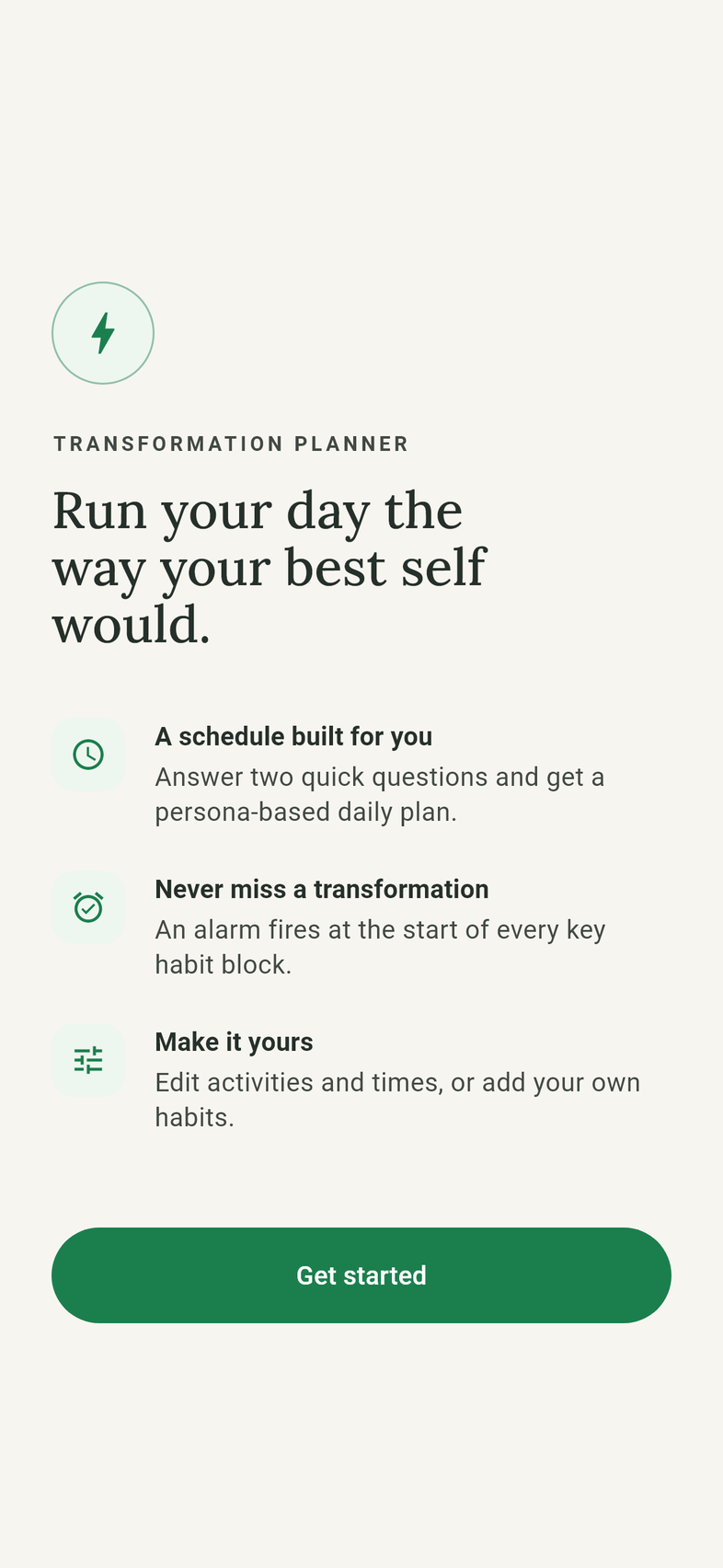
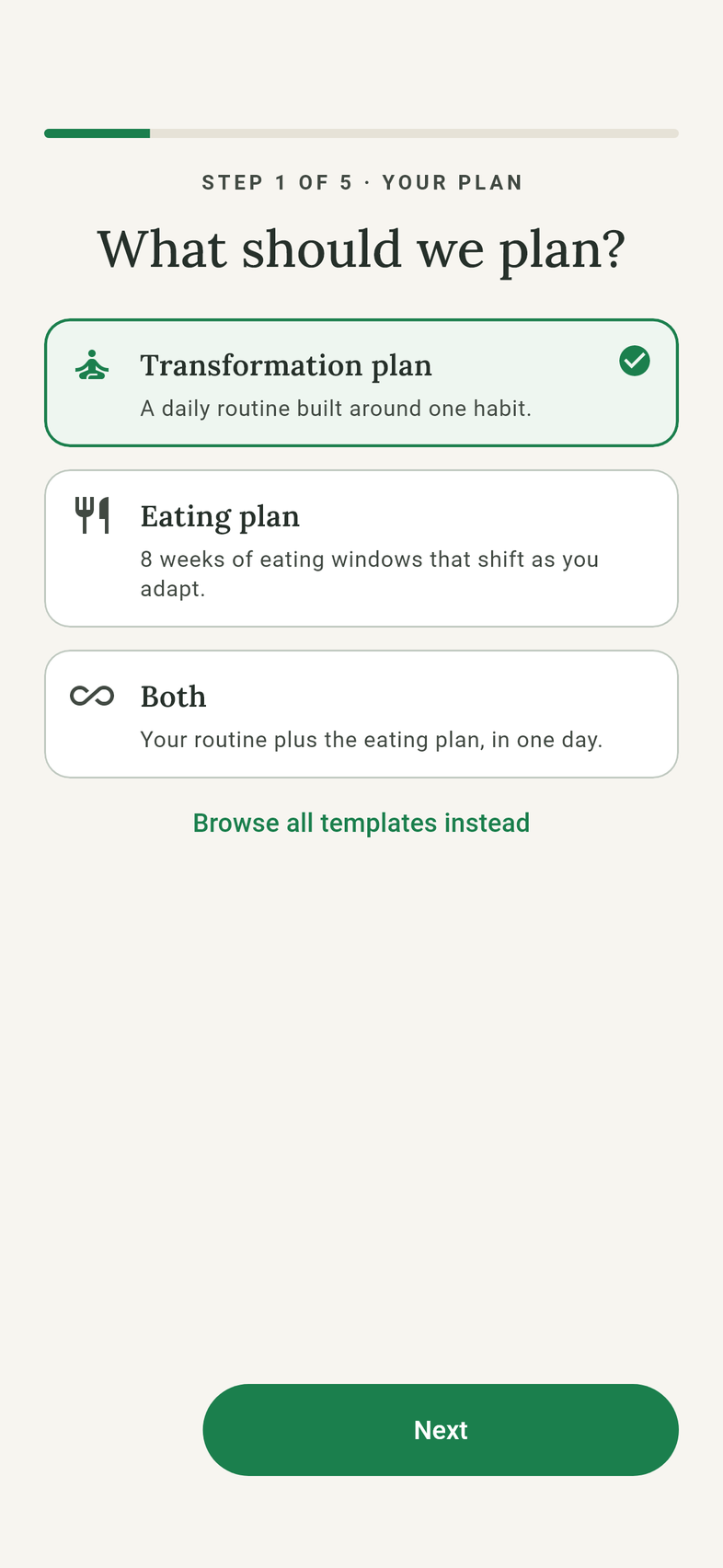
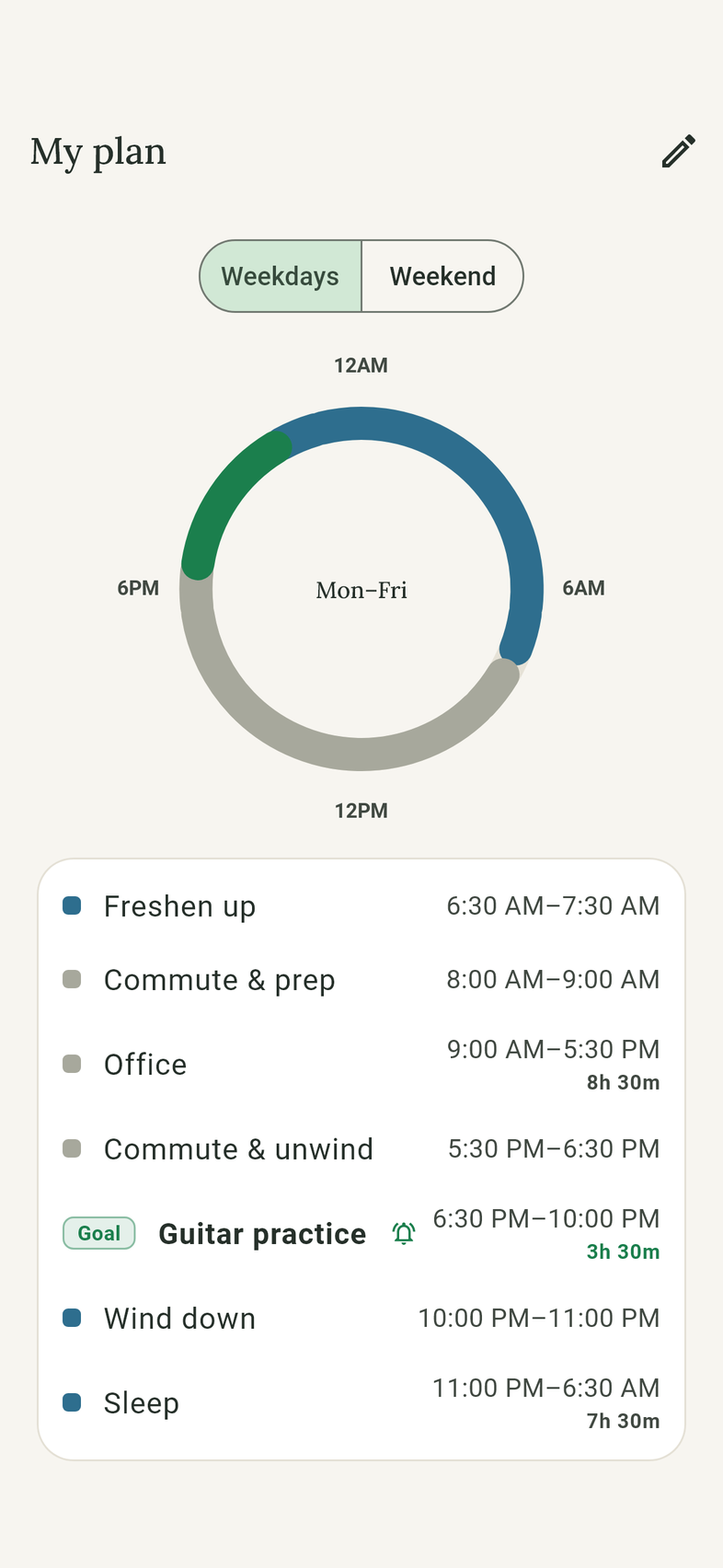
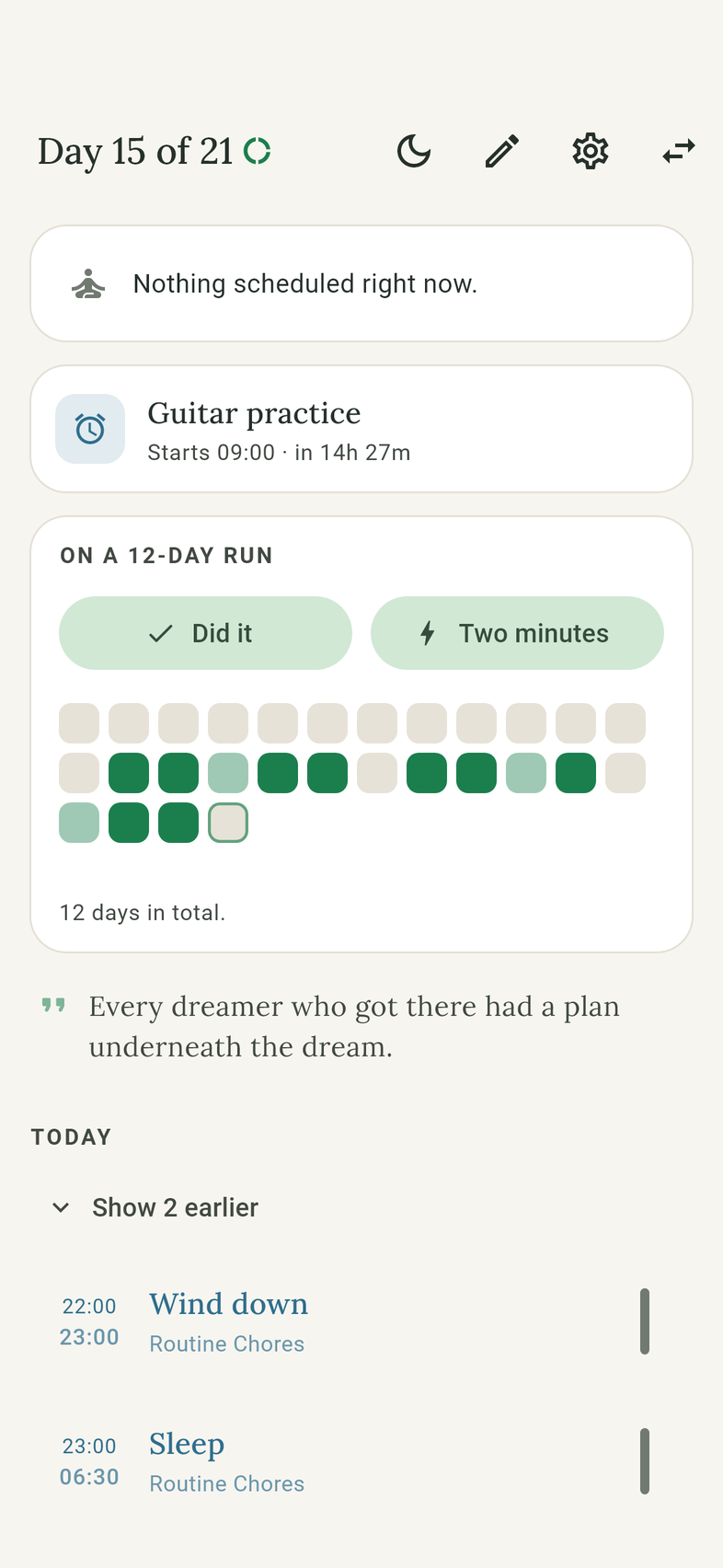
Screens show a sample plan.
How it works
No comparing templates. Four questions, one alarm, and a record that only ever fills in.
A plan from four questions
When you sleep, when work or college takes your day, what you're trying to build, and when your weekends are free. Your goal lands in the largest free stretch you have.
An alarm, not a reminder
Your goal activity gets a real alarm with the tone you choose, and it fires whether or not the app is open.
Two ways to say yes
Answer the alarm, even from the lock screen. Both answers count the same, because a minute of the habit beats a perfect session you skipped.
A record that never turns red
A four-week grid fills in as you go. A missed day is simply blank, and your run carries on. The rule that matters: never miss twice.
Make it yours
See the whole day on a ring, flip between weekdays and weekends, and change any time, rename an activity or add a new one.
Optional eating programs
Eight-week Keto Switch and Intermittent Fasting schedules that step your eating window in stages. They plan the window and remind you; they don't prescribe what you eat and are not medical advice.
No account required
Everything works without signing in. Your plan, your alarms and your history live on your phone. Sign in only if you want them on a second device.
- Free, with no in-app purchases
- No ads, no analytics, no tracking
- Nothing sold to anyone
- Read the privacy policy
Requirements
| iPhone | iOS 15 or later |
| Android | Android 7.0 or later |
| Notifications | Allow notifications so your alarm can ring |
Help and support
Answers to common questions, from an alarm that didn't go off to getting your plan on a second phone and deleting your data.